
Getting Your SkyConnect ZBT-2 Working With Docker Home Assistant, Mosquitto & Zigbee2MQTT 🛰️✨
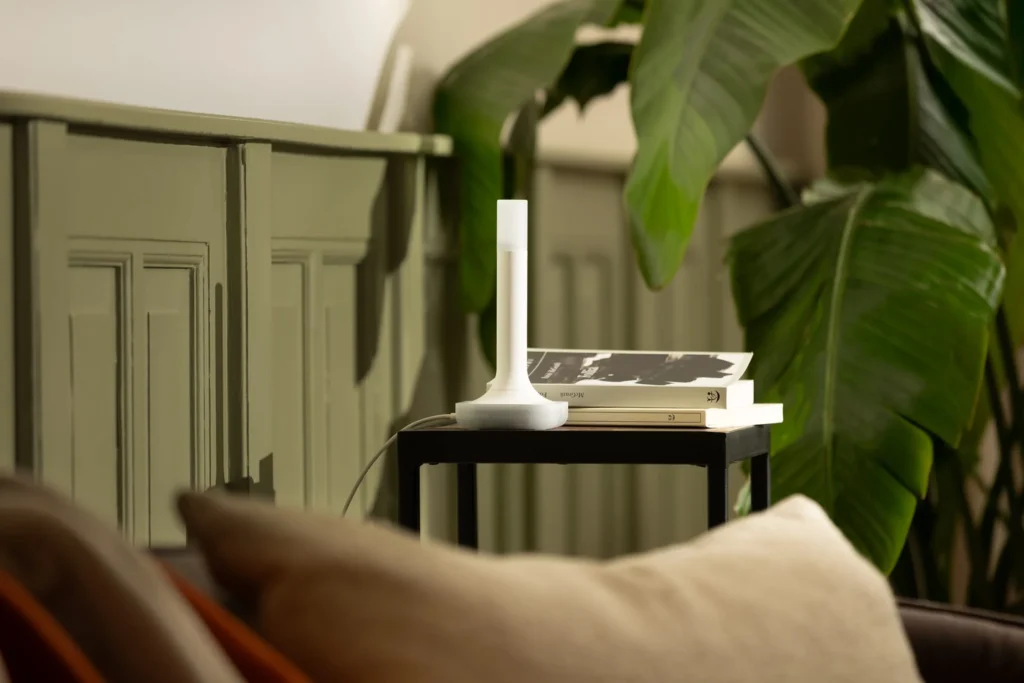
So… you finally got your shiny new SkyConnect ZBT-2 — and then reality hit:
It doesn’t work out of the box. At all. 😅
Don’t panic. I’ve been there.
After some digging (and let’s be honest, a few cups of coffee), I figured out exactly what needs to be done:
✔️ Update the firmware
✔️ Use a temporary Home Assistant instance
✔️ Reconfigure Zigbee2MQTT
✔️ Re-pair devices (but keep all their friendly names!)
Here’s the clean step-by-step guide to make your ZBT-2 work perfectly with Docker Home Assistant + Mosquitto + Zigbee2MQTT.
🔧 The Short Version
- The SkyConnect ZBT-2 requires a firmware upgrade
- You must temporarily run a second Home Assistant container
- ZHA will update the firmware for you
- You then switch Zigbee2MQTT to
/dev/ttyACM0 - Re-pair your Zigbee devices — but thanks to Zigbee2MQTT’s config,
your old friendly names will be restored automatically
🛠️ Step 1 — Plug in Your New ZBT-2
Connect the ZBT-2 to your server.
Check the device path with:
ls /dev/tty*
Most likely it will be:
👉 /dev/ttyACM0
🛠️ Step 2 — Create a Temporary Home Assistant Instance (Firmware Upgrade)
We’re only spinning up this container to let ZHA apply the firmware update.
Here’s the minimal docker-compose.yaml:
version: '3'
services:
  homeassistant:
    container_name: ha-firmware-upgrade
    image: homeassistant/home-assistant
    volumes:
      - ./conf:/config
      - /etc/localtime:/etc/localtime:ro
    devices:
      - /dev/ttyACM0:/dev/ttyACM0
    restart: always
    network_mode: host
Bring it online:
docker compose up -d
Inside Home Assistant:
- Log in to the temporary instance
- It will automatically detect the SkyConnect ZBT-2
- Install the detected integration → It will ask to update firmware
- Let the update run
- Then add ZHA, select the ZBT-2, choose Zigbee
- ZHA tries to configure it — it will fail, and that’s okay
We’re done here.
Stop and remove this HA container — we don’t need it anymore.
🛠️ Step 3 — Prepare Zigbee2MQTT for the New Adapter
- Stop your existing Zigbee2MQTT container
- Create a backup folder
- Copy your current Z2M data folder into it (important!)
- Edit your
docker-compose.yamland update the serial device path:
Old: /dev/ttyUSB0 and New: /dev/ttyACM0
Here’s the Z2M compose file:
services:
  zigbee2mqtt:
    container_name: zigbee2mqtt
    image: ghcr.io/koenkk/zigbee2mqtt
    restart: unless-stopped
    volumes:
      - ./data:/app/data
      - /run/udev:/run/udev:ro
    ports:
      - 8080:8080
    environment:
      - TZ=Europe/Amsterdam
    devices:
      - /dev/ttyACM0:/dev/ttyACM0
Start it with:
docker compose up -d
Then go to:
http://<server-ip>:8080
Initial Z2M Setup
Select:
- Adapter: ember
- Baudrate: 460800
- RTS/CTS: true
Stop the container again — now we configure Z2M manually.
🛠️ Step 4 — Fix Your Zigbee2MQTT Configuration
Inside your new configuration.yaml, make sure the top looks somthing like this:
version: 4
mqtt:
  base_topic: zigbee2mqtt
  server: mqtt://192.168.178.2:1883
  user: xxxx
  password: xxxx

serial:
  port: /dev/ttyACM0
  adapter: ember
  baudrate: 460800
  rtscts: true
Now open the backup version of your config. You should see a section like this:
devices:
  '0x001788010c584aee':
    friendly_name: One
  '0x000b57fffeef394d':
    friendly_name: Two
  '0x000b57fffec2b35f':
    friendly_name: Three
Copy this entire devices: block into the end of your NEW configuration.
Save it.
Start your Z2M container.
Now simply re-pair each Zigbee device.
🎉 Zigbee2MQTT recognizes your device IDs
🎉 Restores friendly names automatically
🎉 Home Assistant treats them as if nothing happened
🎉 Final Result
- Your ZBT-2 runs the newest firmware
- Zigbee2MQTT recognizes it as an Ember adapter
- Everything works faster and more reliably
- Your devices keep their names
- Home Assistant doesn’t freak out
All that’s left is to enjoy your upgraded Zigbee network 😄
Have fun with your new SkyConnect ZBT-2!
🧩 Bonus: Complete Home Assistant + Mosquitto + Zigbee2MQTT Setup (Docker)
For a fresh install:
services:

  home-assistant:
    container_name: home-assistant
    image: homeassistant/home-assistant
    restart: always
    networks:
      - localnet
    volumes:
      - ./home-assistant/config:/config
      - ./home-assistant/media:/media
    depends_on:
      - mosquitto
    ports:
      - 8123:8123
    environment:
      TZ: "Europe/Amsterdam"

  mosquitto:
    container_name: mosquitto
    image: eclipse-mosquitto
    restart: always
    networks:
      - localnet
    ports:
      - 1883:1883
      - 1884:1884
    volumes:
      - ./mosquitto/config:/mosquitto/config
      - ./mosquitto/data:/mosquitto/data
      - ./mosquitto/log:/mosquitto/log
    environment:
      TZ: "Europe/Amsterdam"

  zigbee2mqtt:
    container_name: zigbee2mqtt
    image: ghcr.io/koenkk/zigbee2mqtt
    restart: unless-stopped
    volumes:
      - ./zigbee2mqtt/data:/app/data
      - /run/udev:/run/udev:ro
    ports:
      - 8080:8080
    environment:
      - TZ=Europe/Amsterdam
    devices:
      - /dev/ttyACM0:/dev/ttyACM0

networks:
  localnet:
    driver: bridge